This text will be replaced
NEW!
Helicon Focus Pro has got a new feature – RAW-in-DNG-out mode. Process RAW files in native color space and save result as DNG file – have more freedom in your professional workflow.
Helicon Focus and Focus Stacking
The digital revolution of the last few years made professional photo hardware widely available and affordable. Now it's the advanced technology that makes the difference. Plain single shots are bit by bit giving place to improved and more sophisticated technologies like HDR and EDoF.
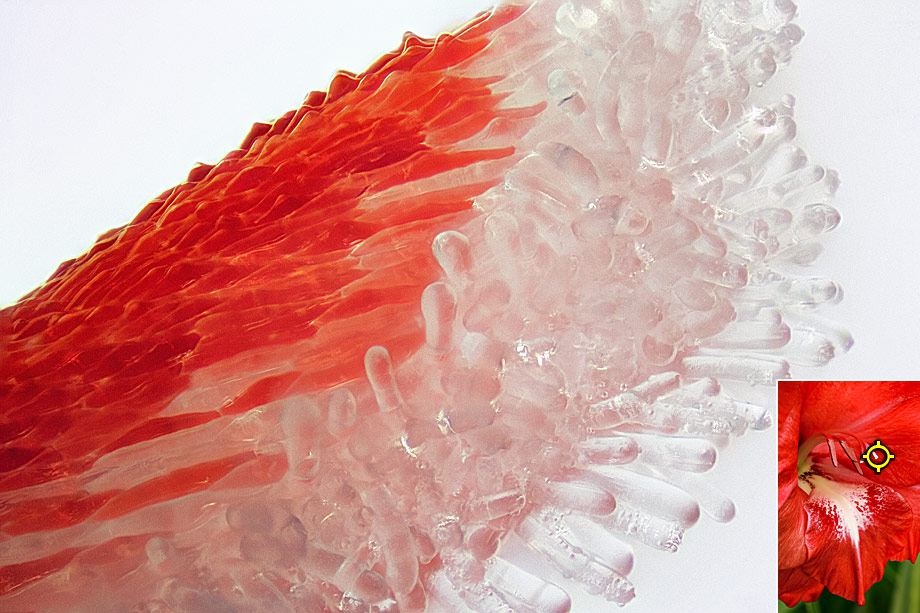
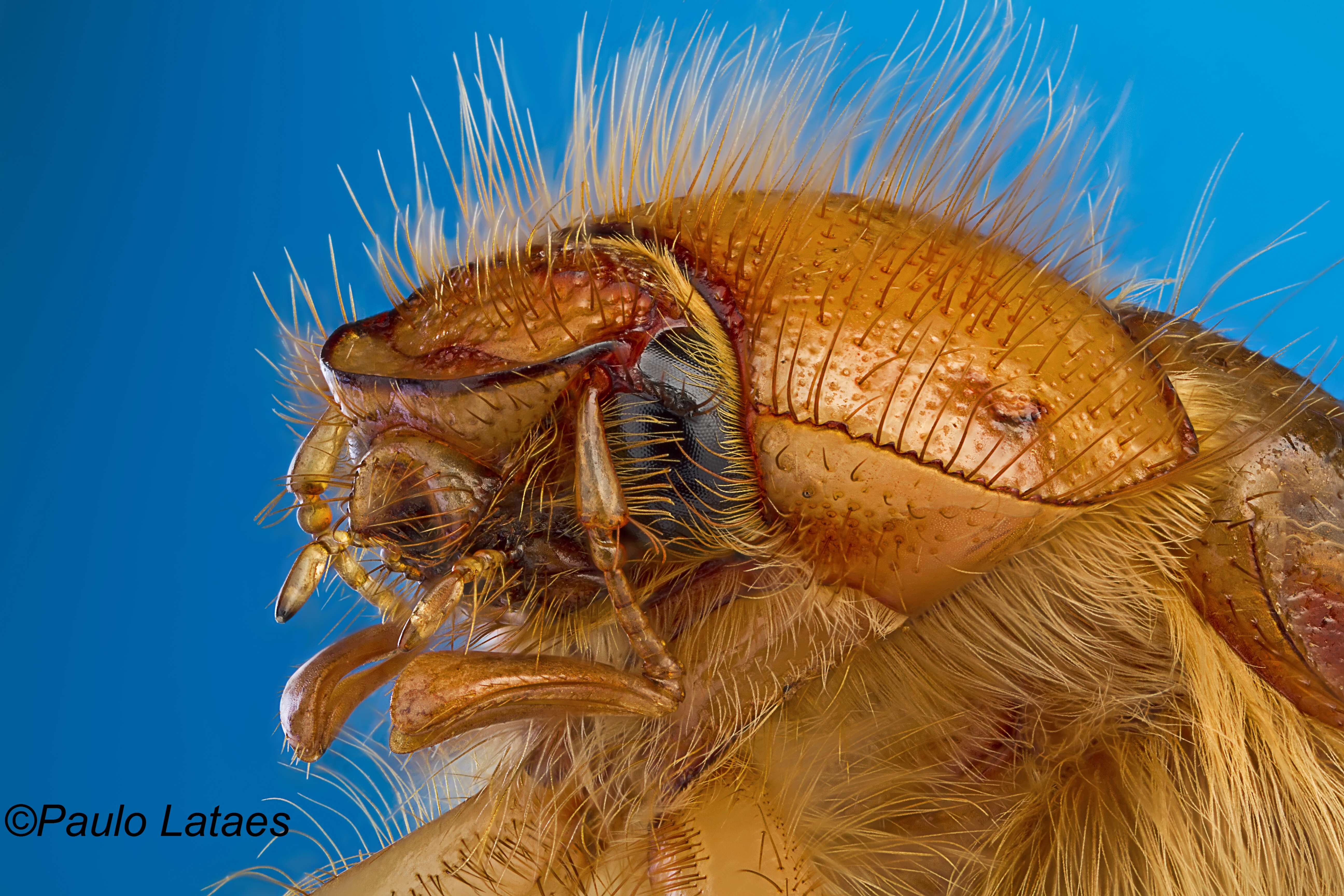
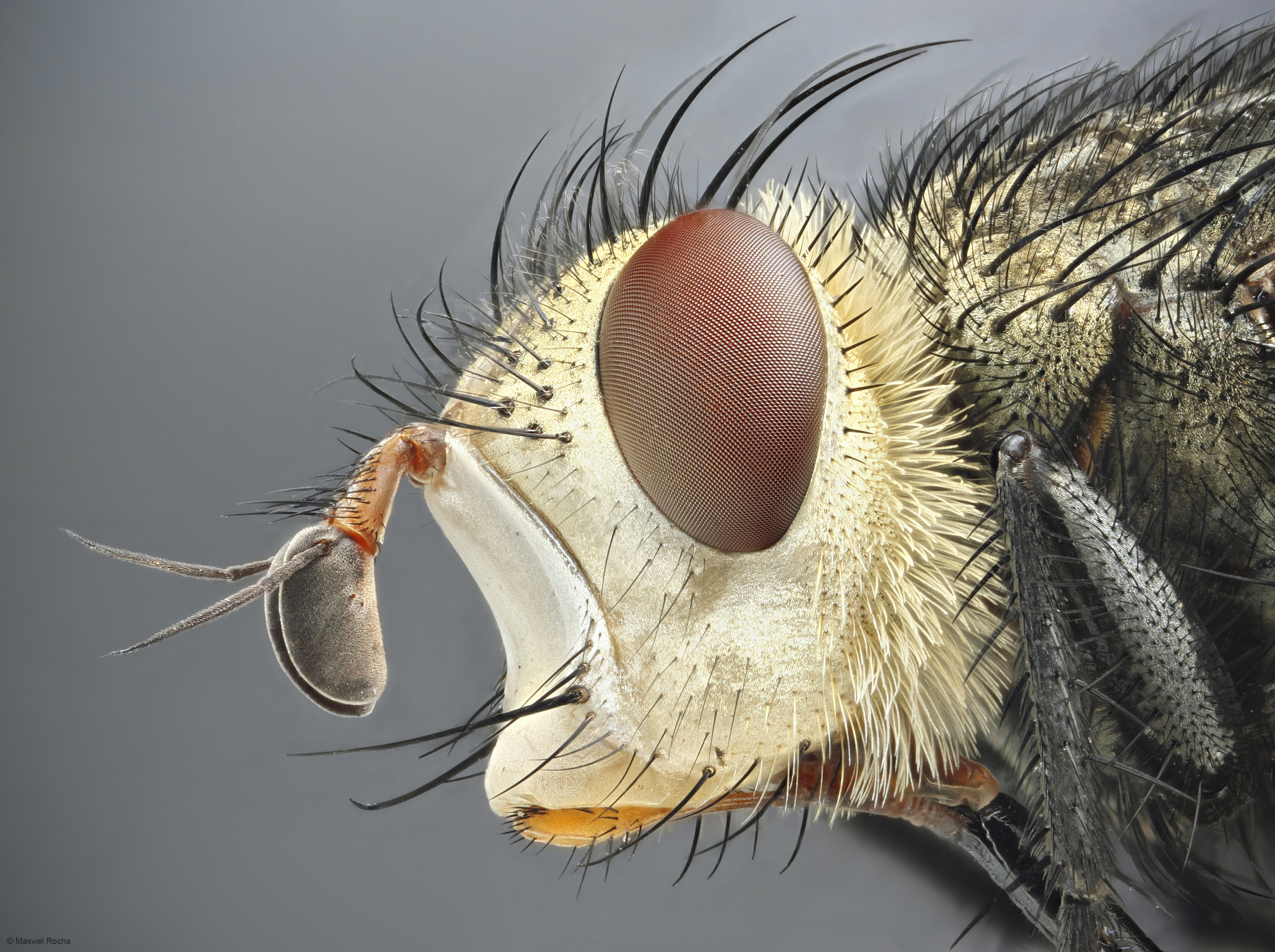
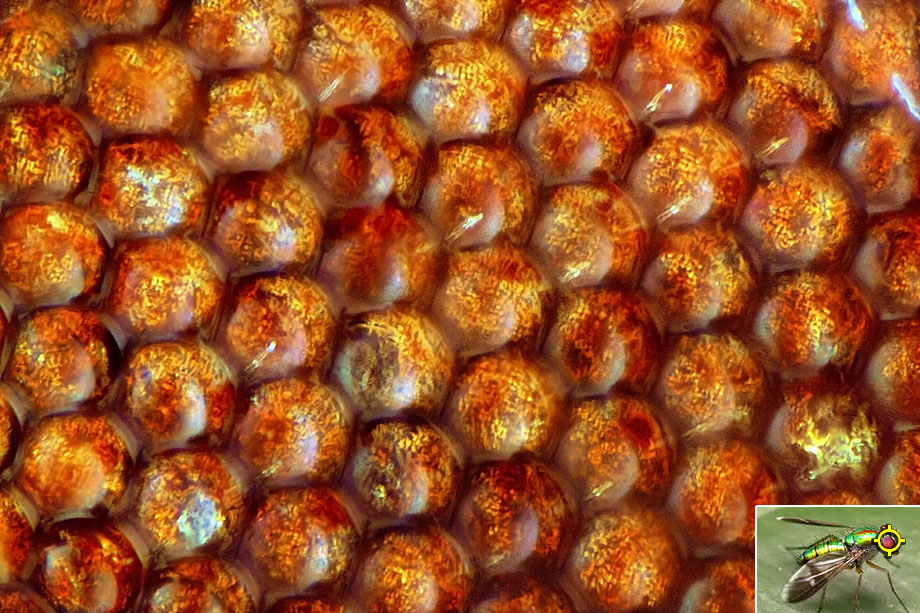
Today it's hard to imagine macro or micro photography without focus stacking technique. Professional photographers and enthusiasts seeking to keep up with the trend take advantage of focus stacking to create eye-catching images.
With focus stacking software you can make your usual camera render results that could not be achieved even with a classic tilt-shift lens. Take several shots at different focus distances instead of just one, and Helicon Focus will quickly and smartly combine the stack into a fully focused image.
Nowadays micro photography, close-ups, jewelry and product photography became truly dependent on focus stacking. But it does not matter what you shoot – landscapes or flowers, animals or still-life – Helicon Focus will make your images stand out. Watch the tutorials, read the articles and impress your colleagues and friends with your new photo achievements!
Click to enlarge
|

©Evgeny Laptev (Light Laboratory)

©Christophe Benard, 4 image stack

©Szűts Tamás

©Evgeny Laptev (Light Laboratory)

©Hans-Börje Jansson, 26 image stack

©Evgeny Laptev (Light Laboratory)

©Iaroslav Danylchenko

©Tom Malinski, 13 image stack

©Christophe Benard, 6 image stack

©LobsangStudio

©Iaroslav Danylchenko

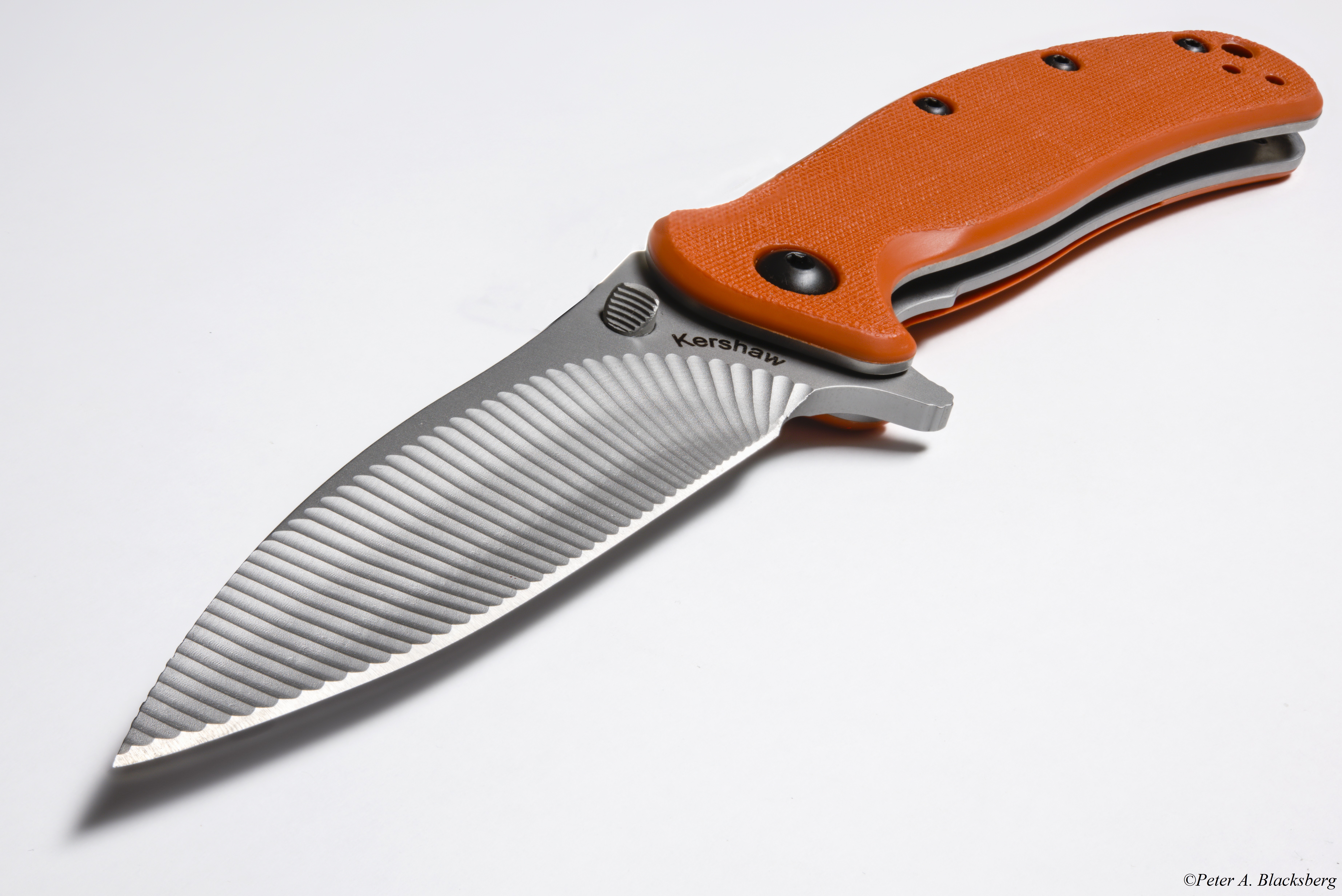
©Peter A. Blacksberg

©Dennis Wilkins, 3 image stack

©Cristophe Benard, 8 image stack

©Andrea Hallgass

©Tom Malinski, 6 image stack

©Russ Greene, 16 image stack

©Charlie Comstock

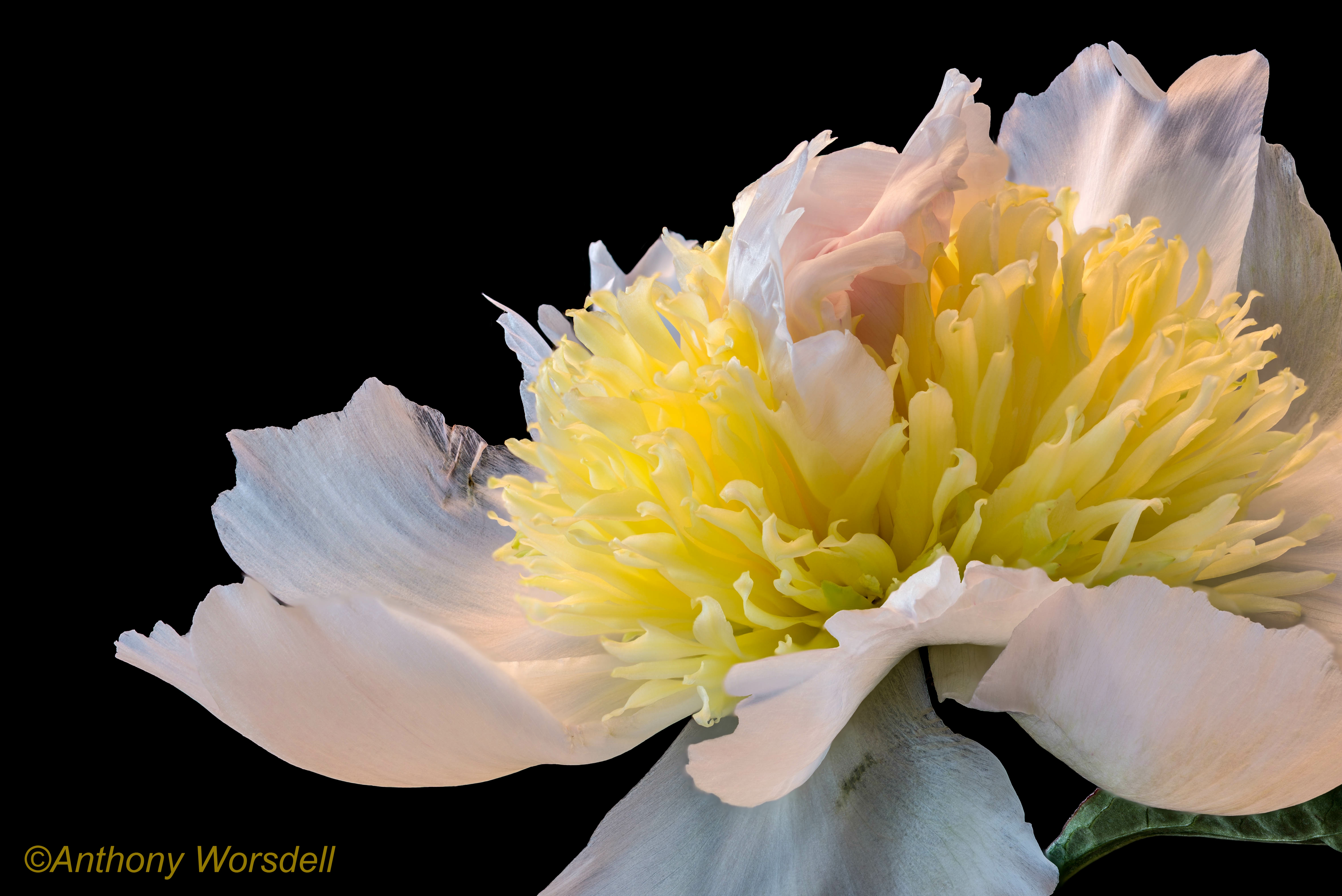
©Anthony Worsdell, 12 image stack

©Peter A. Blacksberg

©Alexey Gnilenkov, 23 image stack

©Peter A. Blacksberg

©Paulo Lataes

©Anthony Worsdell, 18 image stack

©Maxwel Rocha, 81 image stack

©Andrea Hallgass, 23 image stack

©Anthony Worsdell, 9 image stack

©Paulo Lataes, 6 image stack |

©Evgeny Laptev (Light Laboratory)

©LobsangStudio

©Otto Hablizel, 3 image stack

©LobsangStudio

©Anthony Worsdell, 26 image stack

©LobsangStudio

©Andrea Hallgass, 27 image stack

©Christophe Benard, 37 image stack

©Evgeny Laptev (Light Laboratory)

©Szűts Tamás

©Iaroslav Danylchenko

©Dennis Wilkins, 6 image stack

©Dennis Wilkins, 10 image stack

©Charlie Comstock, 12 image stack

©Peter A. Blacksberg

©Brian Valentine, 10 image stack

©Siegfried Tremel, 48 image stack

©Anthony Worsdell, 24 image stack

©Andrea Hallgass, 30 image stack

©Paulo Lataes

©Peter A. Blacksberg

©Anthony Worsdell

©Paulo Lataes

©Peter A. Blacksberg

©Alexey Gnilenkov, 7 image stack

©Peter A. Blacksberg
|