Distortions
The Dstortions filter lets you correct radial and perspective distortions and vignetting, stretch your image horizontally and vertically, skew, rotate, and bend.
Lens correction
The Barrel/pincusion tool compensates radial (spherical) distortions by stretching the corners. These distortions typically appear on the wide-angle lens and when you take a shot from a short distance.
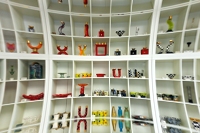 |
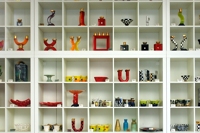 |
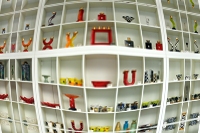 |
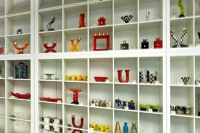
The Horizontal perspetive tool squeezes left or right side of an image. These distortions appear if you take a shot while being positioned closer to one side of an object.
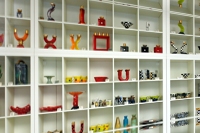 |
|
 |
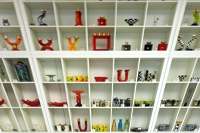
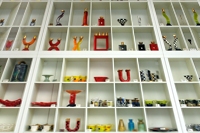
The Vertical perspective tool squeezes the top or the bottom of the image. These distortions appear if you take a shot while being positioned closer to top or bottom of an object.
 |
|
 |
Geometry
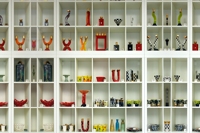
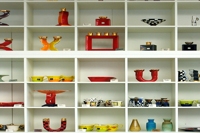
The Stretch horizontally tool squeezes or stretches an image.
 |
|
 |
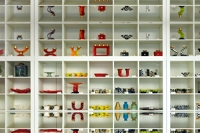
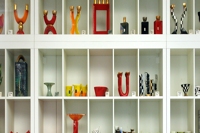
The Stretch vertically tool squeezes or stretches an image.
 |
|
 |
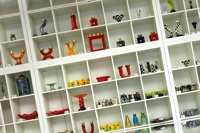
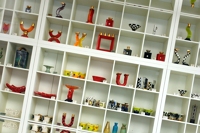
The Rotate tool can be useful if a shot was taken under wrong angle.
 |
|
 |
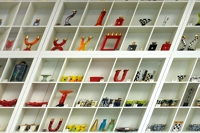
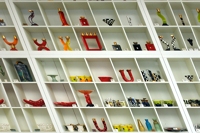
The Skew tool defines the shift of the upper part of an image.
 |
|
 |
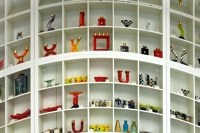
The Bend tool lets you straighten the horizon by lifting/sinking image sides relatively to the its center.
 |
|
 |
Vignetting
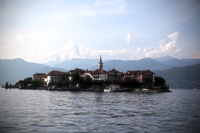
Vignetting is an optical problem that results in unnaturally dark corners in the image. Vignetting is a common problem with many lenses and most often apears on wide-angle shots.
 |
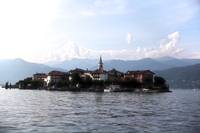 |
The Level parameter definess the intensity of brightening the darkened edges.
The Curve steepess parameter defines how much of the image will be affected with un-vignetting. High values result in correction only in the corners, low values result in brightening larger area.
Fill margins
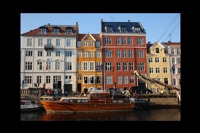
Tick this checkbox off to have the margins filled with black color instead of the reflection of image sides. Margins appear after many operations: rotation, squeezing, skewing, etc.
 |
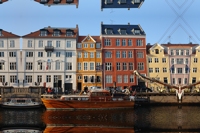 |
| Fill margins off | Fill margins on |
Grid
This checkbox switches on the grid. Use the grid to assess the distortions more clearly.
Selection brush
 The Selection brush selects some area of an image. After you have some selection you can return to the Distortions filter and apply any transformation either only to the selection or only to the rest of the image. Learn more about selection brush and it's parameters here.
Distortions brush
 The distortions brush allows distorting a part of an image, for example, to correct thin lips or a big belly or to corect the curve of nose or chin. Read more here.