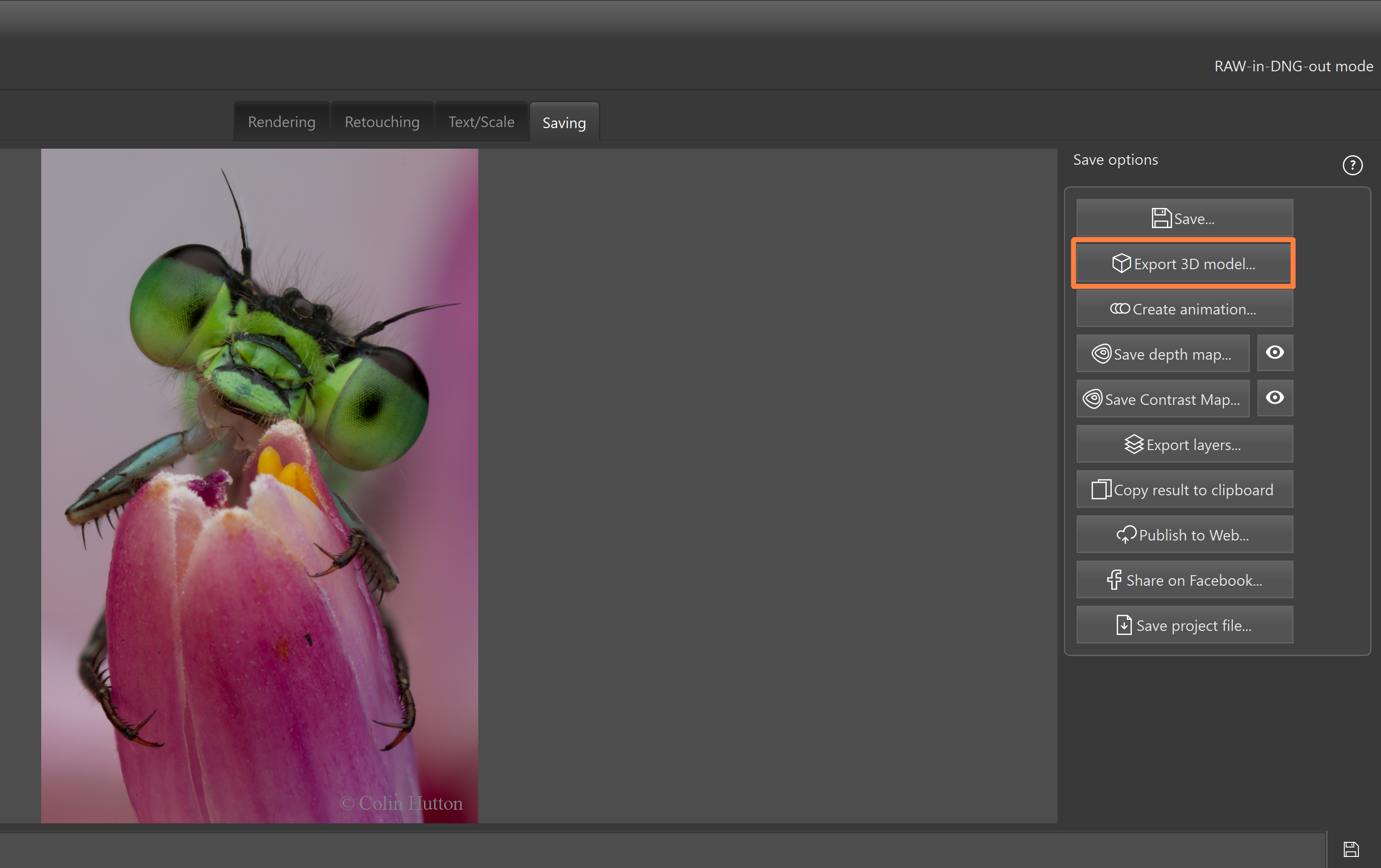
Helicon 3D Viewer is a free utility which is included into Helicon Focus installation. It is opened from Helicon Focus via the "Export 3D model" command and is used to review the exported model and export it to other formats.
The 3D model is generated from the rendered stack by reconstructing the 3D surface and applying the texture.
Exporting a 3D model is a Pro feature. In the Lite edition, the exported model is saved in demo mode with a watermark.
Additional information is available on the Helicon Soft website.
To create a 3D model in Helicon Focus:
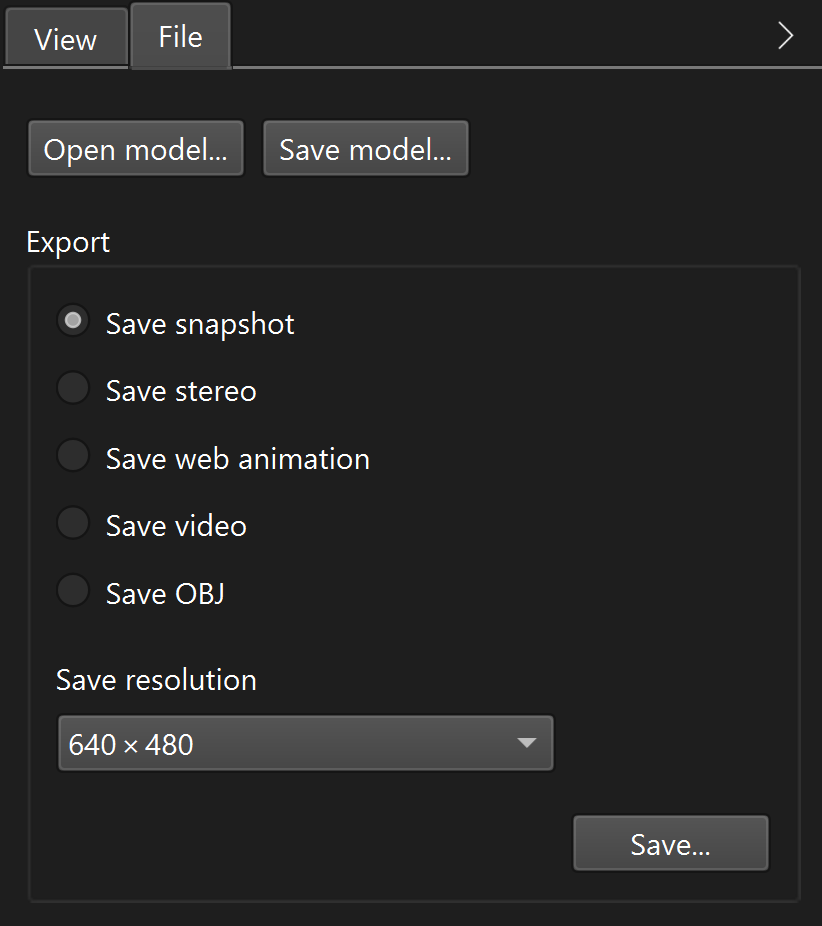
The right-side panel contains the "View" and "File" tabs. The "View" tab controls the appearance of the current model and the viewing angle. The "File" tab is used to save the model and export it to other formats.
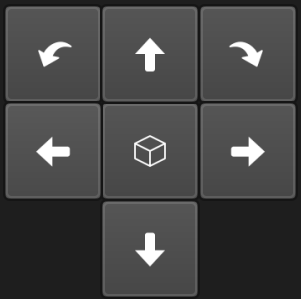 The view control pad rotates the model to obtain a view from any angle. Click the
  button to reset angles to the default values.
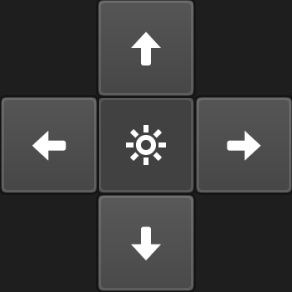 The light control pad repositions the light around the model. This can be used to emphasize surface relief by adjusting highlights and shadows. Click the
  button to reset angles to the default values.
|
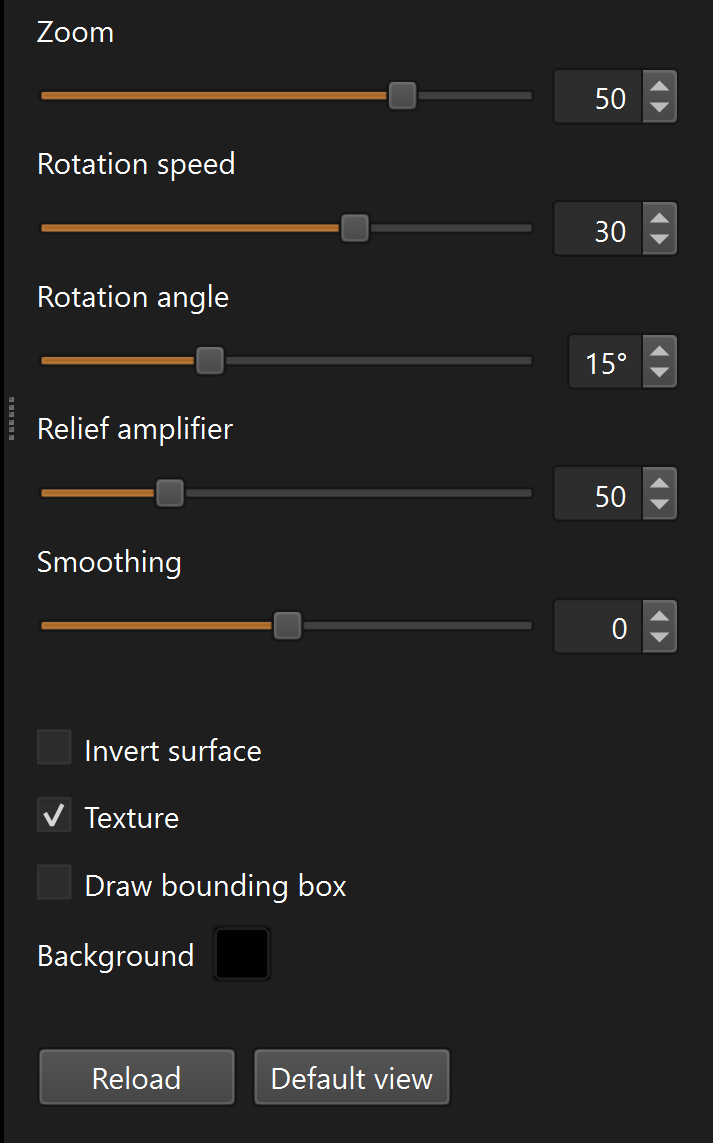
Zoom changes the distance to the model. Rotation speed sets the automatic rotation speed. The value is set to zero when the model is rotated manually. Rotation angle sets the tilt during automatic rotation. Set this value to zero to rotate the model around the vertical axis. Relief amplifier controls the relief strength (Z scale). A value of zero makes the surface flat. Smoothing controls the amount of relief smoothing. Invert surface reverses the relief, making concave areas convex and vice versa. Texture toggles texture display. When texture is disabled, a color-coded relief view is shown (red indicates higher areas, blue indicates lower areas). Draw bounding box displays the bounding box to better visualize the model thickness and scale. Background sets the background color. Reload reloads the model from the model file and restores view parameters stored in the file. Default view resets view parameters to the default values. |
|
On the "File" tab, use "Save model..." to save the current model as a TIFF model with depth layer. This format can be opened only in Helicon 3D Viewer and is intended for re-opening and further export. Use "Open model..." to open a previously saved model. Exporting a 3D modelThe export section on the "File" tab provides several export options. Select an export type, choose the save resolution, then click "Save...". Save resolution - selects the output resolution for snapshot, stereo, web animation, and video exports. Save snapshot - saves the current view as an image. Save stereo - saves a stereo image based on the current view. Save web animation - generates an HTML page with embedded JavaScript animation of the rotating 3D model. Save video - saves a video of the model rotation. Save OBJ - exports the model as a Wavefront .obj file for use in third-party 3D software. |